

This post will show you how to install WordPress Theme through the WordPress admin panel.
Follow the steps:
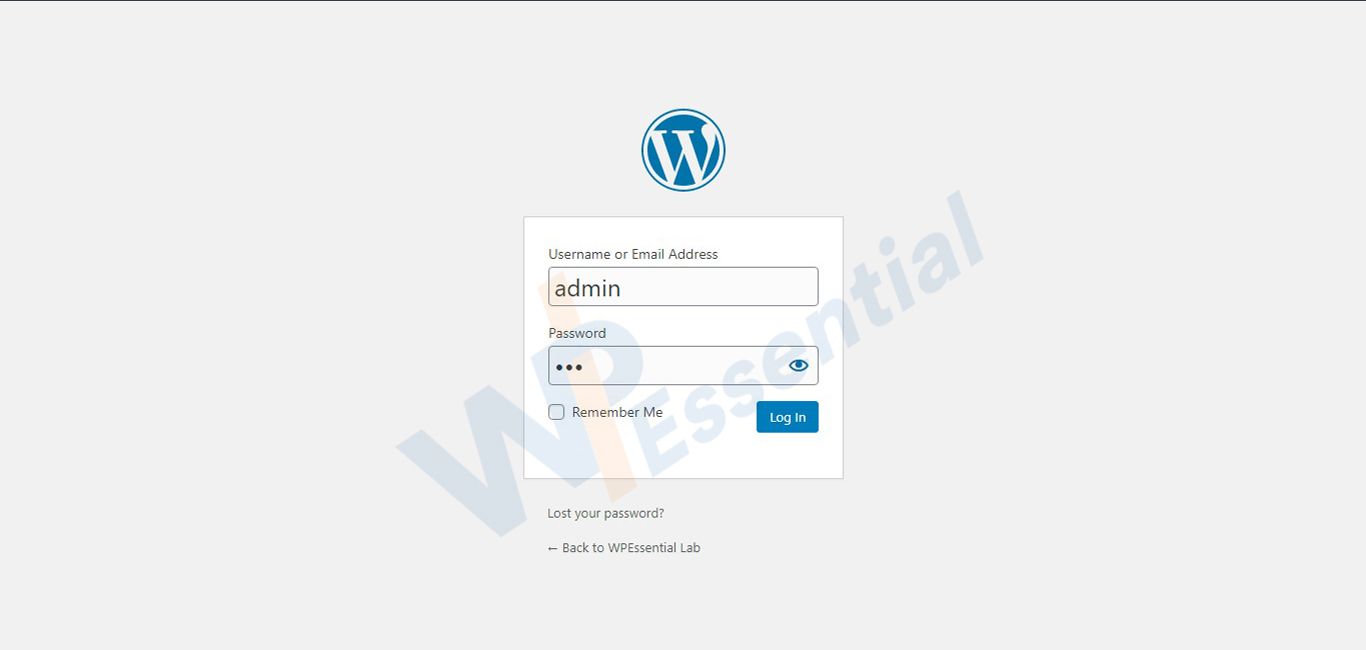
- Open the WordPress admin panel (https://yourdomain.com/wp-admin).
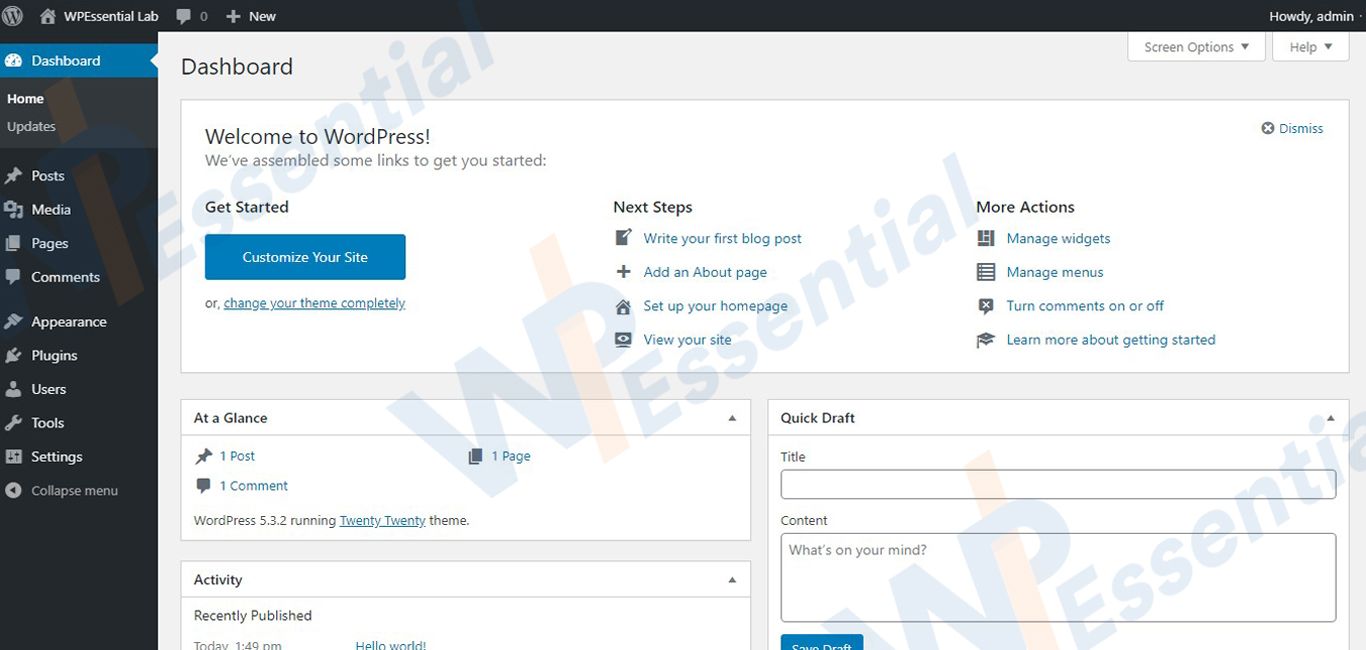
- After the login, you will come to your WordPress dashboard.
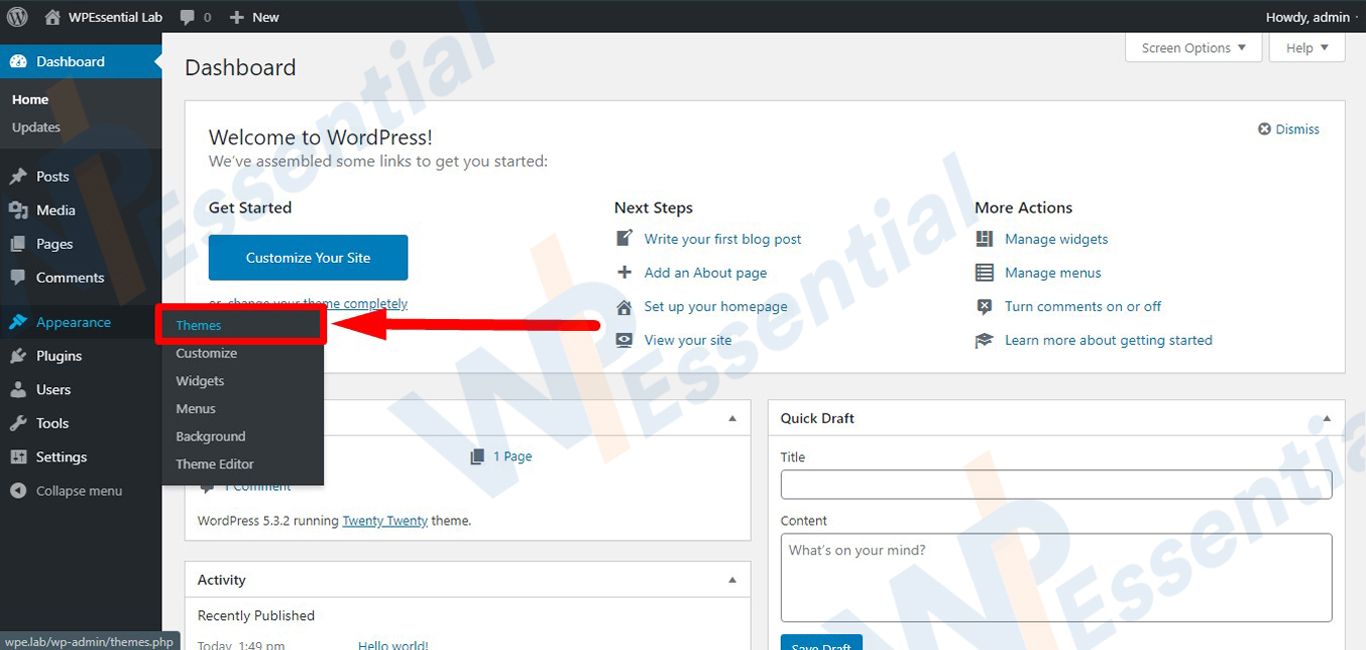
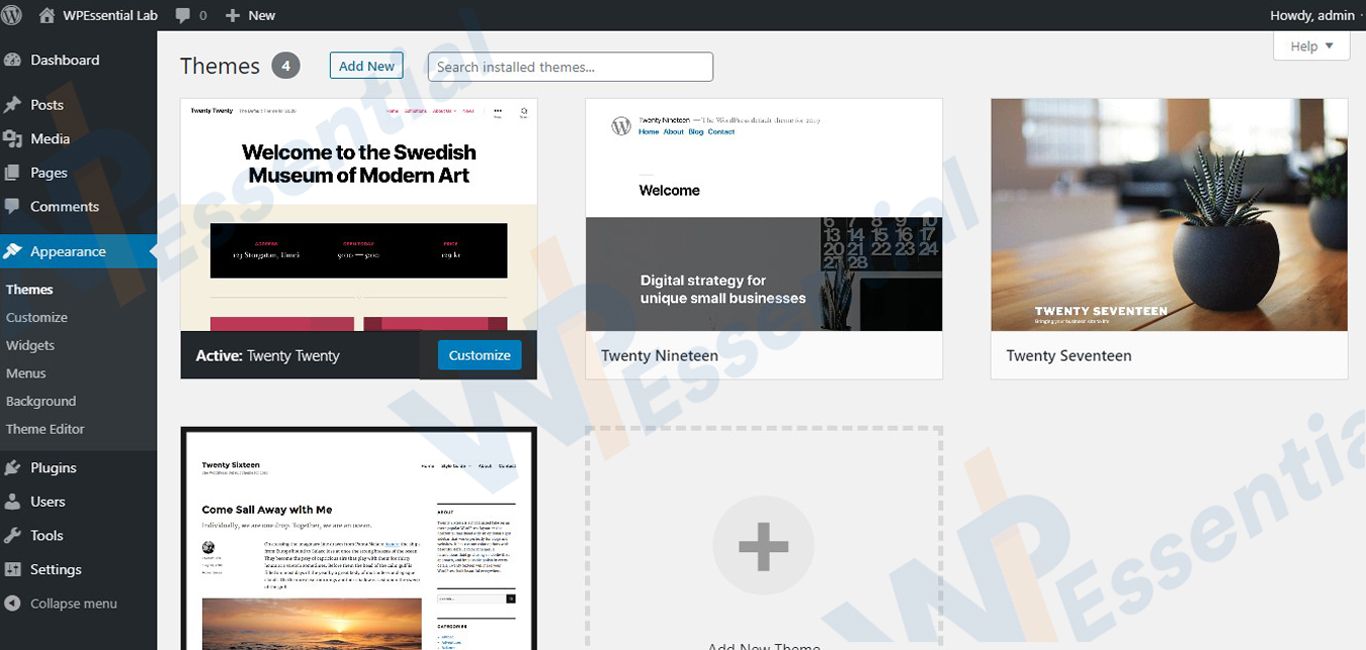
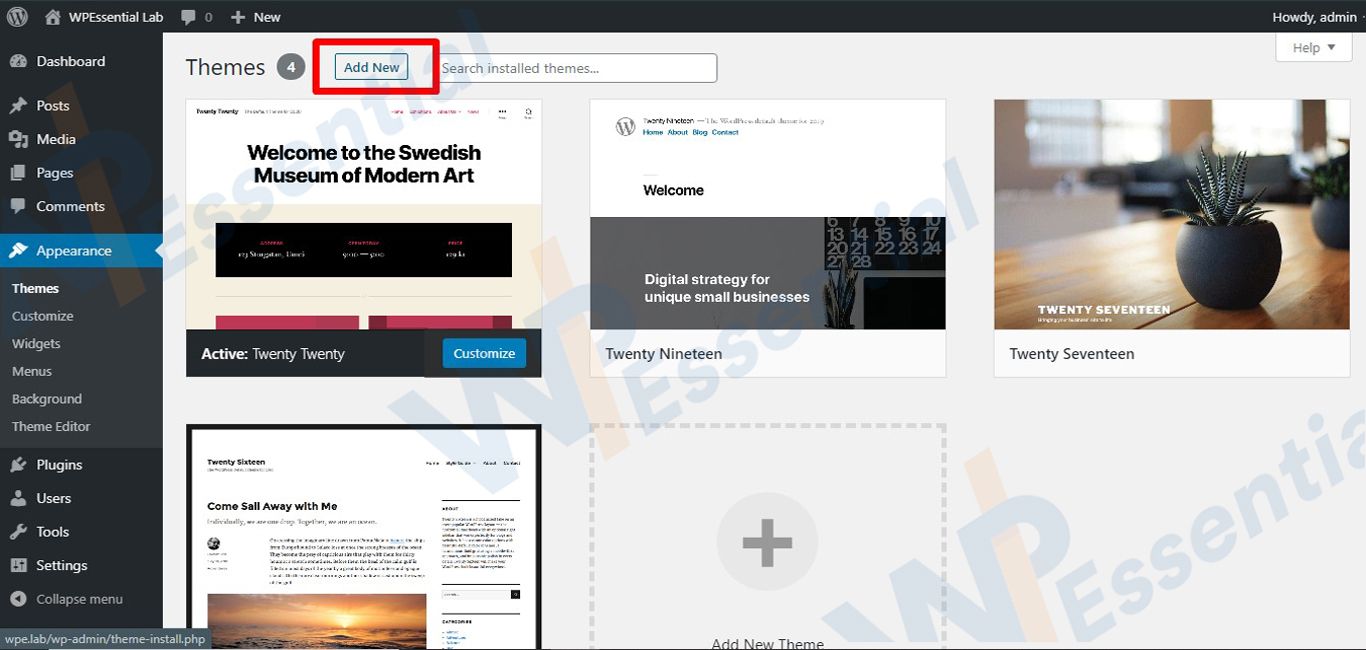
- Go to Appearance >> Themes.
- Click on Add New button.
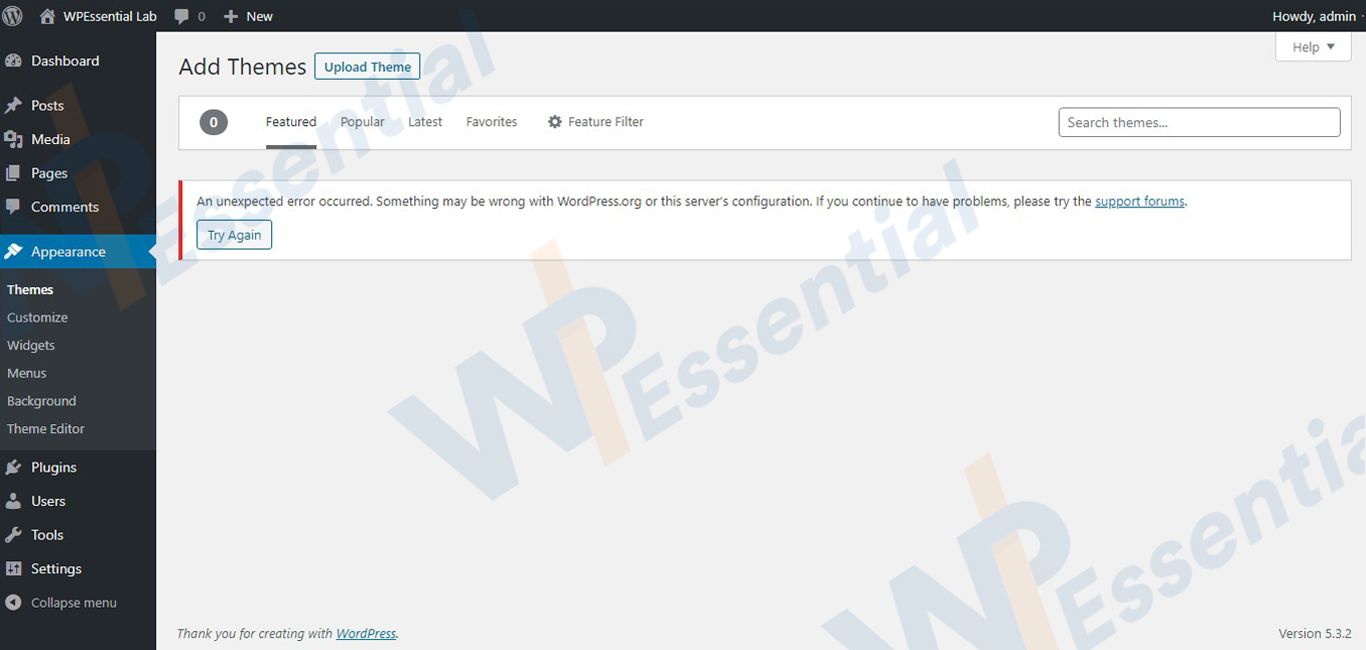
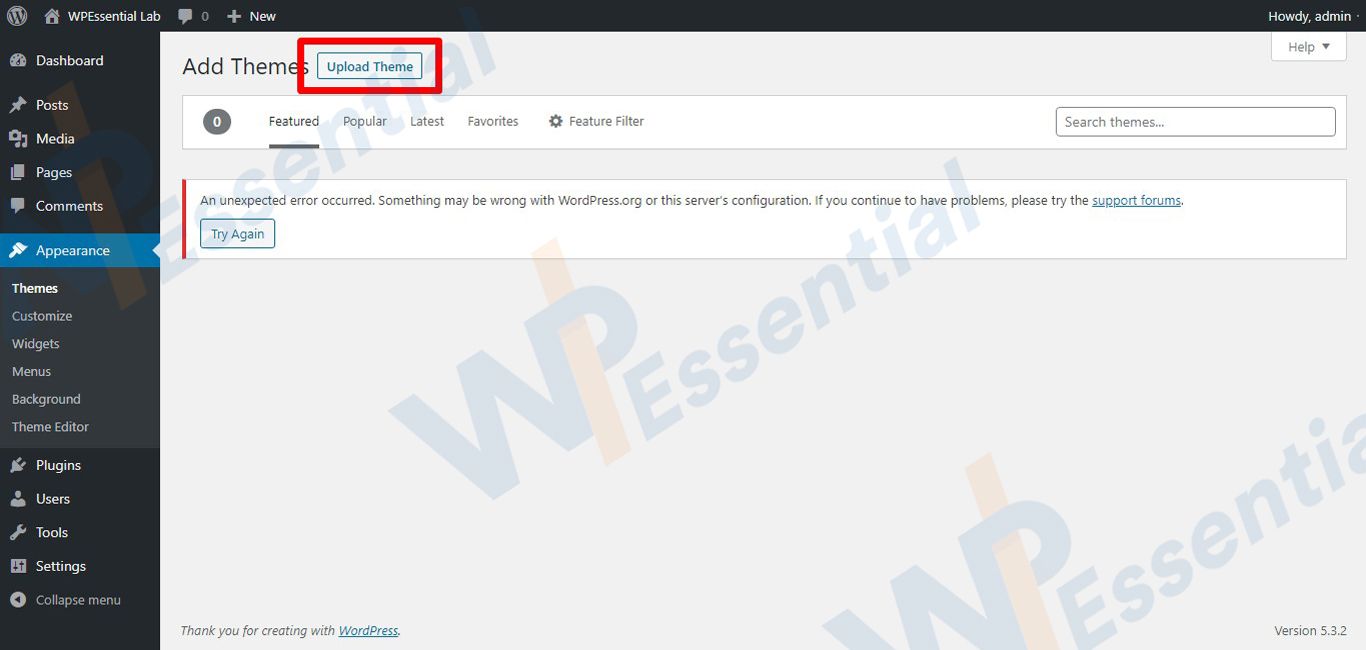
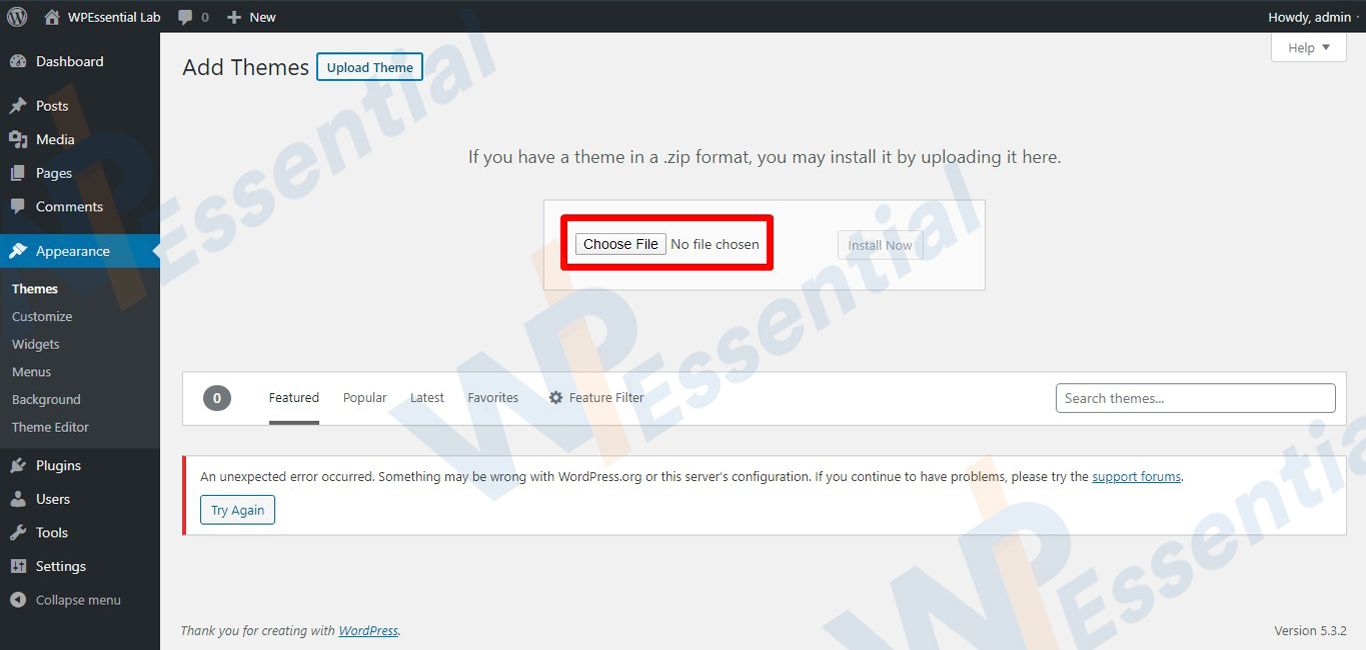
- When you reach on a new page, click on Upload Theme.
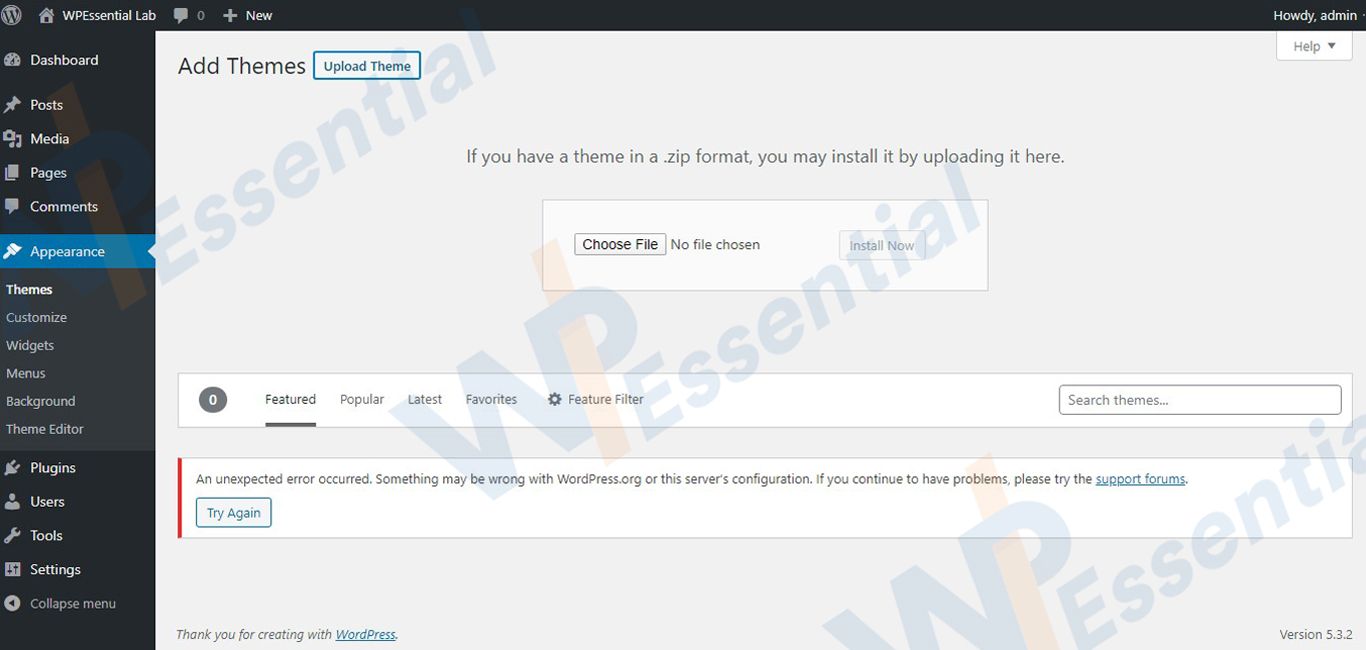
- Click on the Browse button.
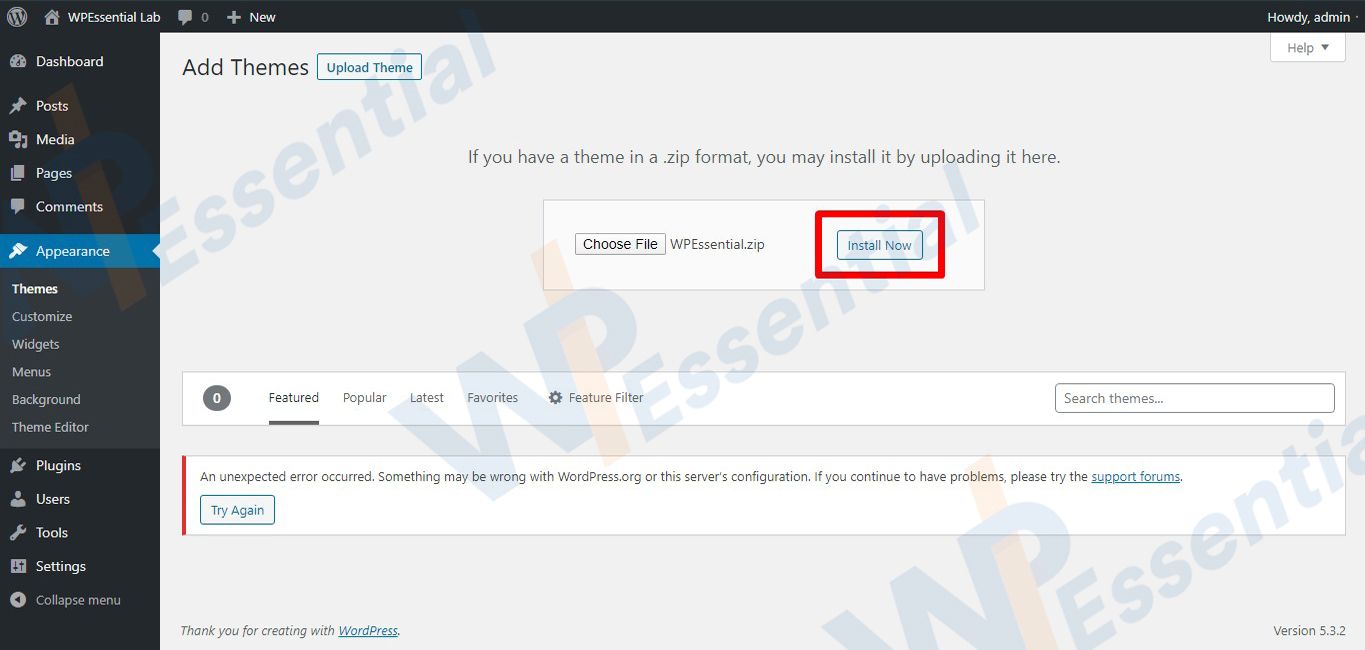
- Navigate your computer files and select the Theme.zip file which you have already downloaded.
- After loading your theme, click on the Install Button.
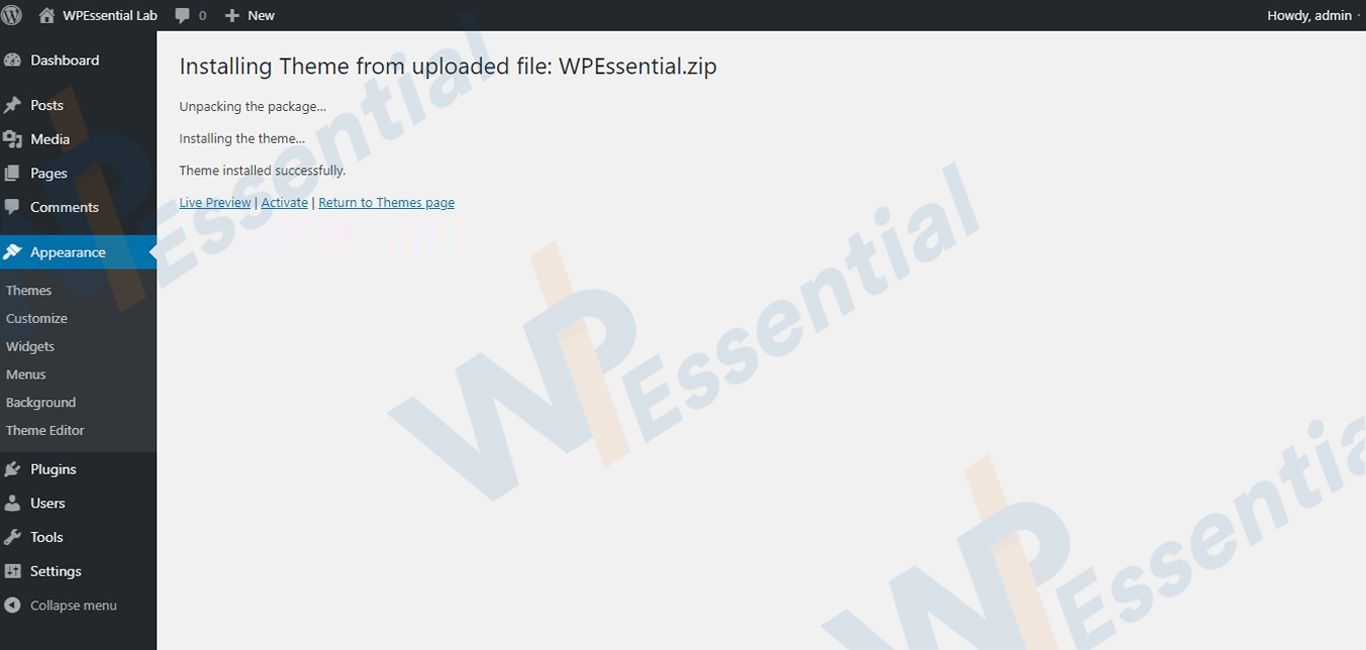
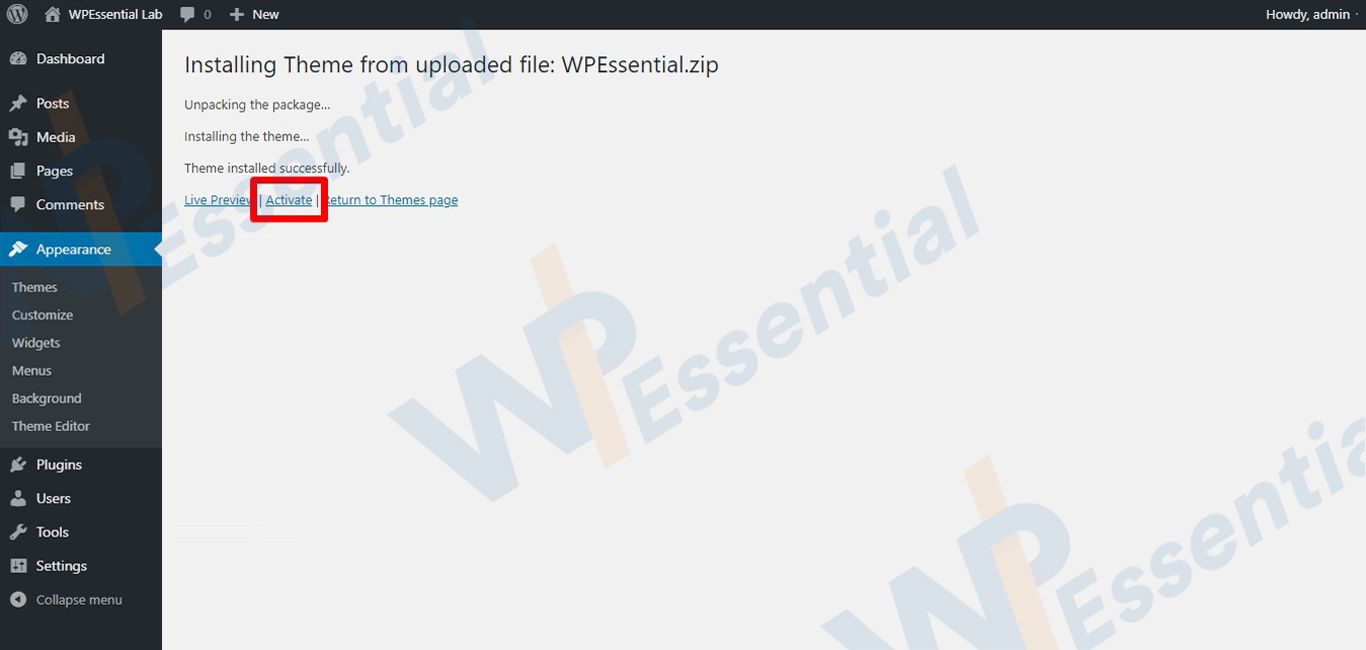
- After installing the theme, a new page will appear with the activation link.
- Click on Activate.
Steps gallery:
You must be logged in to post a comment.